


Search the site

AI Integration Services: What You're Actually Paying For (and How to Pick a Partner Who Ships)

You already decided to use AI. Good. That was the easy part.
Now someone has to wire it into the CRM, the help desk, the ERP and the twelve spreadsheets your ops team quietly runs the business on. That's AI integration. It's where most of the budget goes, and it's where most AI projects die.
I've spent 20+ years building companies and doing marketing, and I've watched plenty of slick AI demos turn into expensive shelfware. This guide is the buyer-side version. What integration work actually includes. What it should cost. How long it really takes. And the questions I'd ask any partner before signing.
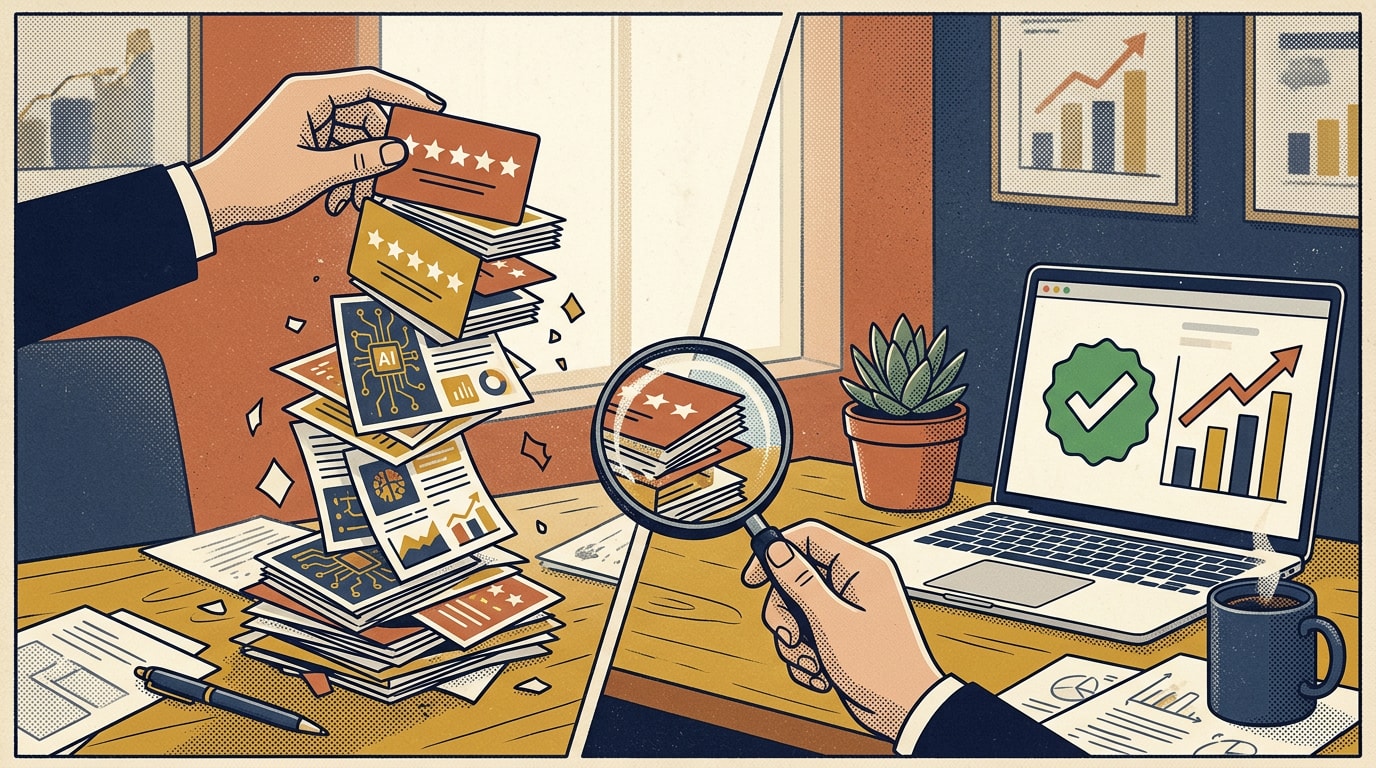
MIT's Project NANDA studied enterprise AI efforts in 2025 and found that 95% of organizations were seeing no measurable business return from generative AI. The researchers blamed brittle workflows and poor fit with daily operations, not weak models. In other words: integration.
What AI Integration Services Actually Include
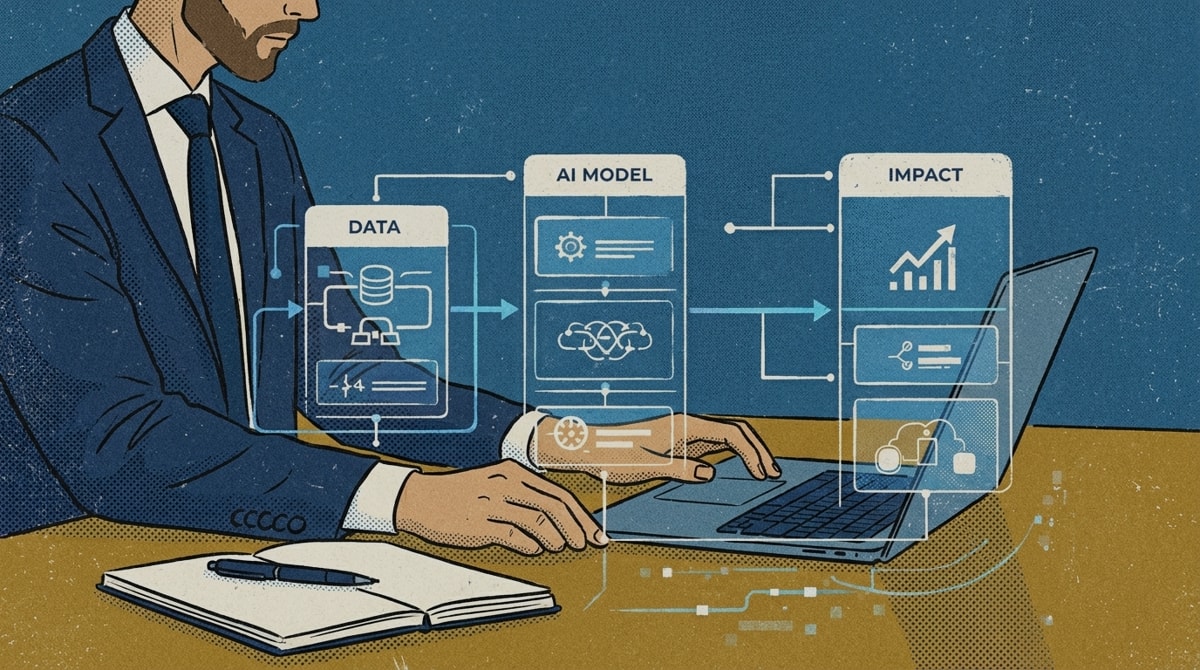
AI integration services connect an AI model to the systems, data and people that run your business, so it does real work inside real workflows. Not in a demo. In production, every day.

Real integration work covers five layers:
- Data plumbing. Getting the right data out of your CRM, ERP, help desk and file storage, cleaning it, and keeping it in sync. This is usually the biggest chunk of the work.
- APIs and connectors. Wiring the model to the tools your team already uses, with proper authentication and permissions.
- Workflow wiring. Deciding exactly where the AI steps in, what it hands off, and when a human reviews. A model that writes great answers nobody sees is not an integration.
- Guardrails. Access controls, logging, accuracy checks, cost limits and a plan for when the AI is wrong. Because it will be.
- Change management. Training, documentation and getting the team to actually use it. Skip this and adoption quietly dies in month two.
McKinsey's 2025 State of AI survey found that 88% of organizations now use AI in at least one business function, up from 78% a year earlier. Yet most are still in pilot mode. Using AI is common now. Integrating it is the hard part.
Integration vs Implementation vs AI Consulting: Who Does What
These terms get used interchangeably on vendor websites. They shouldn't be. Here's how I separate them.
| AI consulting | AI implementation | AI integration | |
|---|---|---|---|
| Main question | What should we do with AI? | How do we roll it out? | How does it plug into our systems? |
| Typical output | Strategy, use case list, roadmap | Tool selection, pilot, rollout plan, training | Working connections between AI and your CRM, ERP, help desk and data |
| Who does it | Strategy firms, fractional AI leaders | Consultancies, solution partners | Engineers, data teams, dev shops |
| Risk if skipped | Solving the wrong problem | Nobody adopts it | It never touches real work |
Most good partners do some of all three. Just know which one you're actually buying. If you're still at the strategy stage, our guide to AI consulting firms that go beyond strategy decks is the better starting point. Not sure you're ready to integrate anything yet? Take our 20-minute AI readiness assessment first, and if you're a smaller company, see AI consulting for small businesses.
The 6 Integrations Mid-Market Companies Start With
If you're a 50 to 1,000 person company, these are the integrations I see pay off first. They share three traits: clear inputs, measurable outputs, and a human already doing the work today.
- CRM enrichment. Auto-filling and updating account and contact records from emails, calls and public data. Sales reps stop doing data entry. Pipeline reports get more honest.
- Support deflection. An AI assistant that answers common questions from your help center and hands off to a human with full context when it can't.
- Document processing. Pulling data out of invoices, contracts, applications and purchase orders straight into your ERP or accounting system.
- Sales call summaries. Transcripts turned into notes, next steps and CRM updates automatically after every call.
- Reporting. Weekly business reviews and dashboards drafted from live data, so analysts spend time on the "why" instead of the copy and paste.
- Internal knowledge search. One place to ask "what's our policy on X?" across docs, wikis and tickets, with sources cited.
For a deeper look at the firms that specialize in workflow builds like these, see our list of the best AI workflow automation and AI deployment consulting companies.
What AI Integration Costs and How Long It Takes
Here are the ranges I see in real proposals for US mid-market companies. Enterprise scope, heavy compliance or messy legacy systems push these higher.
| Scope | Typical range | Timeline | Red-flag price |
|---|---|---|---|
| Single workflow (e.g. call summaries into the CRM) | $15,000 to $50,000 | 4 to 8 weeks | Under $5,000 for "production-ready" |
| Multi-system integration (CRM plus help desk plus knowledge base) | $50,000 to $150,000 | 2 to 4 months | A fixed price before anyone has seen your data |
| Custom assistant or agent on internal data, with guardrails | $100,000 to $300,000 | 3 to 6 months | No line item for security or testing |
| Enterprise program across several functions | $300,000+ | 6 to 12 months | No named owner after launch |
| Ongoing support and improvement | 15% to 25% of the build cost per year, or $3,000 to $15,000 per month | Ongoing | "Support not included" |
Four things push a quote up more than anything else:
- Messy or scattered data. If customer data lives in three CRMs and a shared drive, someone has to reconcile it before AI can use it.
- Old or custom systems. Modern SaaS tools have clean APIs. A 15-year-old ERP with custom fields does not.
- Compliance requirements. Healthcare, finance and legal data need extra security reviews, audit logs and sometimes private hosting.
- Accuracy expectations. An assistant that drafts internal notes can be 90% right. One that answers customers about billing needs to be much closer to perfect, and testing that costs money.
Don't forget run costs. Model usage, hosting and software licenses are separate from the build. Ask every partner to estimate monthly run cost at your real volume, not demo volume.
Company size changes the timeline. The same MIT research found that mid-market organizations moved from pilot to full implementation in about 90 days, while large enterprises took nine months or longer. Fewer approval layers is a real advantage.
How to Vet an AI Integration Partner: 10 Questions

- Show me an integration you built that's still running in production after six months. What does it connect to?
- Who on your team writes the code, and will they be on my project?
- What do you need from my data before you can quote a firm price?
- How will this connect to our CRM and other systems, specifically? Walk me through the data flow.
- Which model or models will you use, and can we switch later without a rebuild?
- How do you test accuracy before launch, and what accuracy are we targeting?
- What guardrails are included for access control, data privacy and cost limits?
- What will this cost per month to run at our volume?
- Who owns the system the day after launch? What documentation and training do we get?
- What do we own if we part ways: code, prompts, data pipelines, accounts?
Good partners answer these fast and specifically. Weak ones say "it depends" and change the subject to their demo.
Types of AI Integration Partners Compared
There's no single "best" partner type. It depends on your size, your systems and who will own the work after launch.
Software development shop
Best for: Clear, well-defined builds on modern systems- What they do well
- Strong engineering, fair rates, fast execution once the spec is clear. Great when you already know exactly what you want built.
- Watch-outs
- Many are general dev shops that added "AI" to their services page. They may build what you ask for, not what you need. Push hard on production references.
Boutique AI firm
Best for: Mid-market companies that need strategy and build in one team- What they do well
- Specialists who live in this work every day. They usually move fast, know which models and tools fit which jobs, and can handle both the "what" and the "how."
- Watch-outs
- Small teams mean key-person risk. Ask what happens if your lead engineer leaves mid-project.
Big 4 or large systems integrator
Best for: Enterprises with complex compliance and legacy systems- What they do well
- Deep benches, compliance expertise, and experience with SAP, Oracle and other heavy enterprise systems. They can staff very large programs.
- Watch-outs
- Premium rates, slower pace, and the senior people who pitch you are often not the ones doing the work. Budget accordingly.
Fractional Chief AI Officer
Best for: Companies that need an owner, not just a builder- What they do well
- A senior leader who sets priorities, picks and manages vendors, and owns AI results inside your company part time. Often paired with a dev shop or boutique for the build. More in our guide to the fractional Chief AI Officer role.
- Watch-outs
- They don't usually write code. You'll still need engineering capacity, in-house or outsourced.
If you want named firms rather than categories, our review of the top AI consulting companies in 2026 compares specific options.
Why Integrations Fail After Launch
Most AI integrations don't fail at launch. They fail quietly over the next six months. The data drifts. A system gets updated and a connector breaks. The champion who pushed for it changes jobs. Nobody owns it, so nobody fixes it.

The integrations that last have a few things in common:
- A named owner on the business side, not just in IT, who checks results every week.
- Monitoring that alerts someone when accuracy drops, costs spike or a connector stops syncing.
- A real handoff. Documentation, a recorded walkthrough, admin access, and a support period after launch where the partner fixes what breaks.
- A simple feedback loop so the people using it can flag bad outputs in one click, and someone actually reviews them.
- A plan for change. Models get updated and prices move. Good integrations are built so you can swap a model or vendor without starting over.
Gartner predicted that at least 30% of generative AI projects would be abandoned after proof of concept by the end of 2025, citing poor data quality, weak risk controls, rising costs and unclear business value. Three of those four are integration problems.
The model is the cheap part. Integration is where most of the budget and all of the risk lives. If a partner can't show you how it plugs into your CRM and who owns it the day after launch, you bought a demo, not an integration. Name an internal owner before you sign. If nobody wants the job, you're not ready to build.
FAQ
What are AI integration services?
AI integration services connect AI models to a company's existing systems, data and workflows, such as the CRM, ERP, help desk and document storage, so the AI performs real work in production. The work typically includes data pipelines, API connections, workflow design, guardrails like access controls and accuracy checks, and training the team that will use it.
How much do AI integration services cost?
For a US mid-market company, a single workflow integration typically costs $15,000 to $50,000, a multi-system integration $50,000 to $150,000, and a custom AI assistant on internal data with guardrails $100,000 to $300,000. Enterprise programs often exceed $300,000. Ongoing support usually adds 15% to 25% of the build cost per year, plus model usage and hosting.
How long does an AI integration project take?
A single workflow integration usually takes 4 to 8 weeks. Connecting several systems takes 2 to 4 months, and a custom AI assistant with guardrails takes 3 to 6 months. Mid-market companies tend to move faster than large enterprises because they have fewer approval layers and simpler system landscapes.
What's the difference between AI integration and AI implementation?
AI implementation is the overall rollout of an AI solution, including tool selection, pilots, training and adoption. AI integration is the technical work of connecting the AI to existing systems and data so it can operate inside real workflows. Implementation is the program. Integration is the plumbing that makes it work.
Do I need clean data before integrating AI?
You need data that is accessible, reasonably accurate and owned by someone, but it does not need to be perfect. Most integration projects include data cleanup for the specific workflow being automated. Start with one use case where the data is already in decent shape, rather than trying to clean everything first.
Who should own an AI integration after it goes live?
A named internal owner should be accountable for every AI integration after launch, usually the leader of the team that uses it, supported by IT or a technical lead. The owner monitors accuracy and usage, manages the vendor, and decides on changes. Integrations without a clear owner are the ones most likely to break or be abandoned.
One Last Thing
AI integration isn't glamorous. It's data pipelines, permissions, testing and training. But that unglamorous work is the difference between an AI project that shows up in your P&L and one that shows up in a slide deck.
Pick one workflow. Name an owner. Hire a partner who can show you something still running six months after launch. If you want a second opinion on a proposal or a scope, reach out. That conversation is always free at Aiken House.
Related ...



Subscribe to our insights


